500+ Steam PFP: Animated, CS2, Girl, Black, Anime, Funny
A Steam PFP works differently than almost every other profile picture on the internet, and that difference is the first thing worth understanding before picking one: Steam locks your avatar to a square frame instead of the circular crop used by Discord, Instagram, or TikTok, which means an image built for one of those platforms often doesn’t translate cleanly to the other. That single technical quirk shapes everything about what actually looks good as a Steam avatar, and it’s a detail most PFP roundups skip entirely in favor of just dumping a gallery of images.
What makes Steam specifically worth its own guide, rather than folding it into a generic “gaming avatar” article, is that the platform layers your avatar into a whole identity system badges, showcases, avatar frames, and a profile background all sit around that square image, and a PFP that ignores those surrounding elements can clash with a profile that’s otherwise carefully built. This guide breaks down the styles people actually search for, plus the platform-specific mechanics that decide whether any of them will look right once uploaded.
Anime Steam PFP
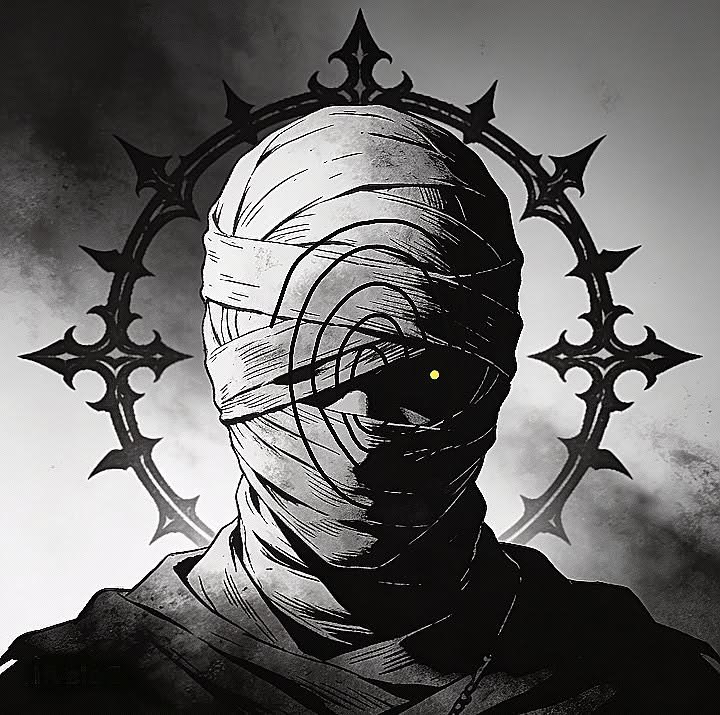
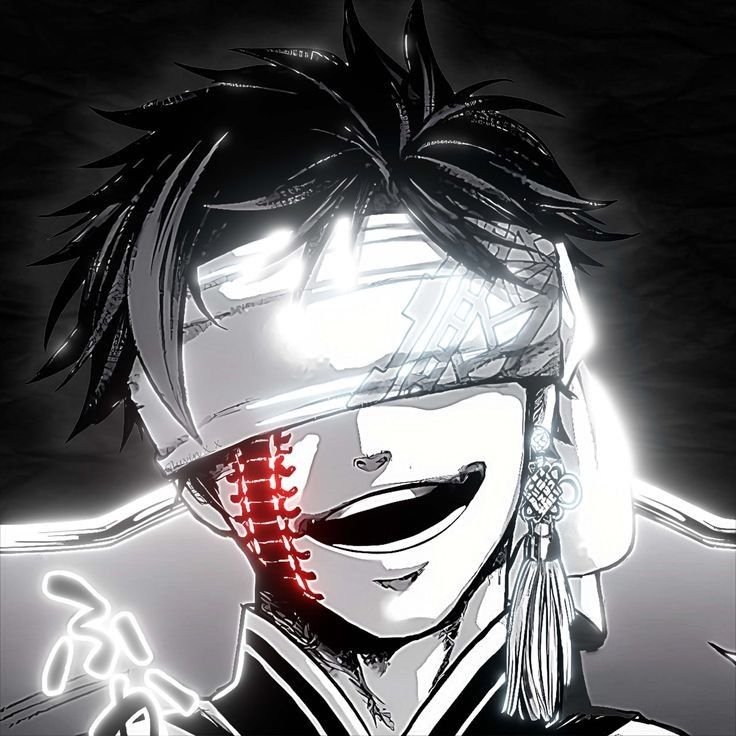

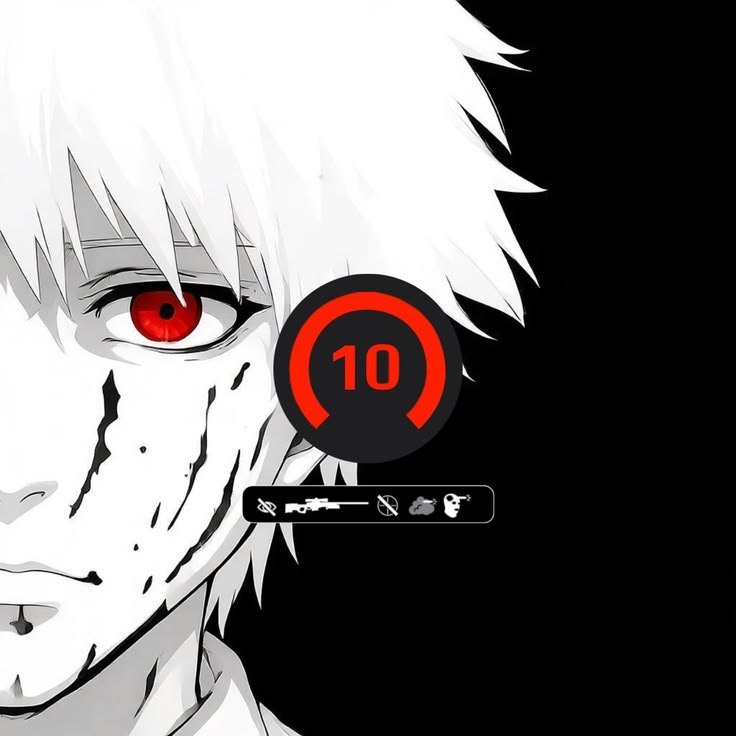
Anime-style avatars are one of the most consistently searched Steam PFP categories, and they show up constantly in fan-made “Steam profile artwork” commissions on sites like DeviantArt, where artists build custom pieces specifically sized and styled for Steam profiles rather than general fan art. Popular subjects lean toward characters from franchises with strong gaming crossover audiences Genshin Impact and Naruto both turn up repeatedly in dedicated Steam artwork commissions, since their fanbases overlap heavily with PC gaming communities.
Visually, these avatars tend to favor bold linework and saturated color blocking over painterly detail, since fine shading gets lost once Steam compresses the image down to the 64-pixel size shown in friends lists and game lobbies. A character’s face filling most of the frame, with minimal background clutter, reads far more clearly at that reduced size than a full-body pose does.
Because anime PFPs are so common on Steam specifically, pairing one with a matching profile background and artwork showcase in the same series or art style is what separates a memorable profile from one that just has a nice avatar Steam’s profile layout rewards that kind of full-page consistency more than platforms where the avatar exists in isolation.
“Gamers looking for more character options can browse our Sonic PFP collection.”
Gaming Character Steam PFP
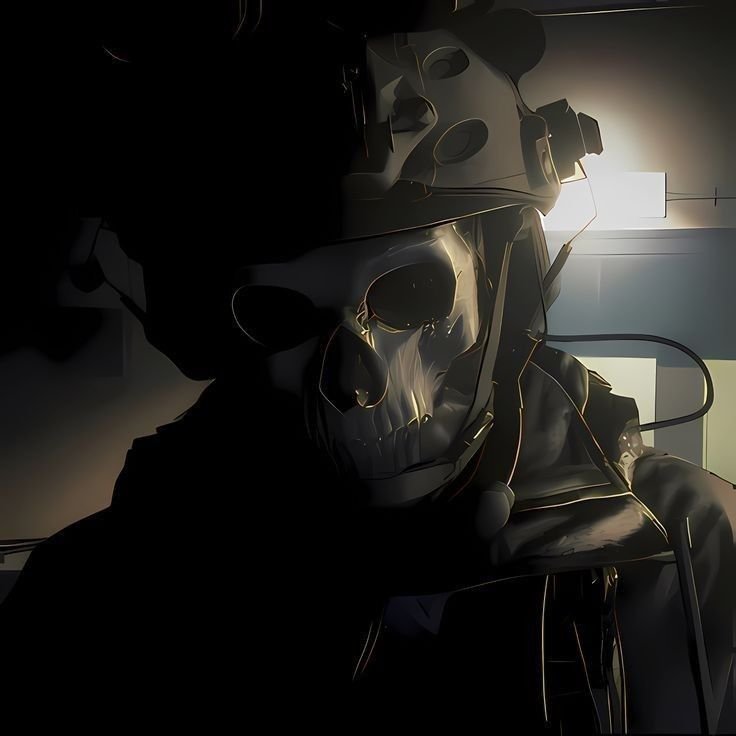

Screenshots and splash art pulled directly from the games someone actually plays make up a huge share of real Steam avatar use, and it’s a category with an obvious logic that anime or aesthetic picks don’t have: a Steam profile is fundamentally a gaming identity, so an avatar pulled from a currently-played title signals exactly what that identity is at a glance. This is distinct from a “cool” action-pose pick — it’s specifically about relevance to the games shown on the rest of the profile.
The visual approach here varies enormously by source game, but the common thread is that splash art and official key art tend to crop better than in-game screenshots, since screenshots often have UI elements, crosshairs, or busy backgrounds baked in that don’t disappear when resized to a small square. Official promotional art is built with a cleaner subject-to-background ratio from the start.
This category also pairs naturally with Steam’s artwork showcase feature, letting someone extend the same game’s art into their showcase slots rather than treating the avatar as a standalone choice — a level of cohesion Steam specifically enables that most other platforms don’t have an equivalent for.
CS2 and Esports Steam PFP
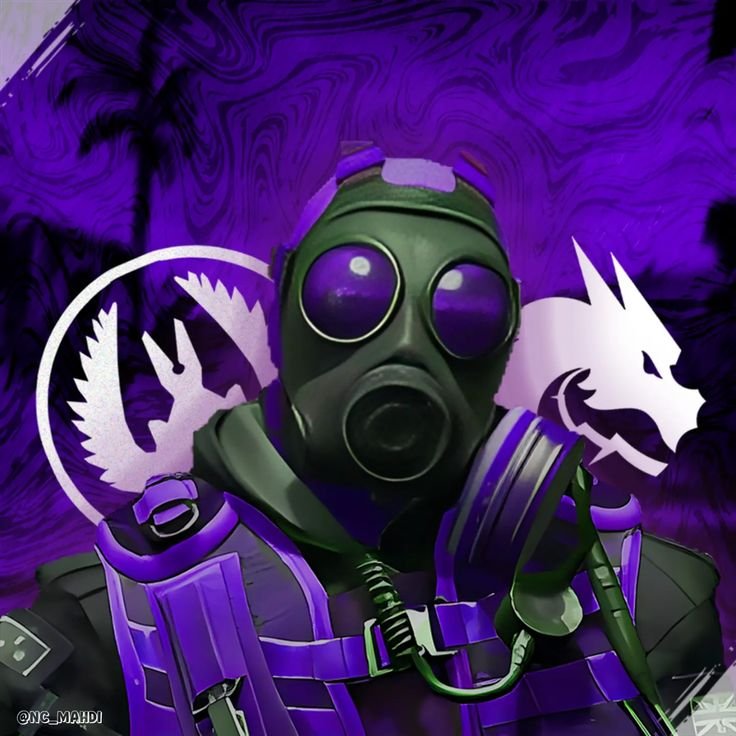
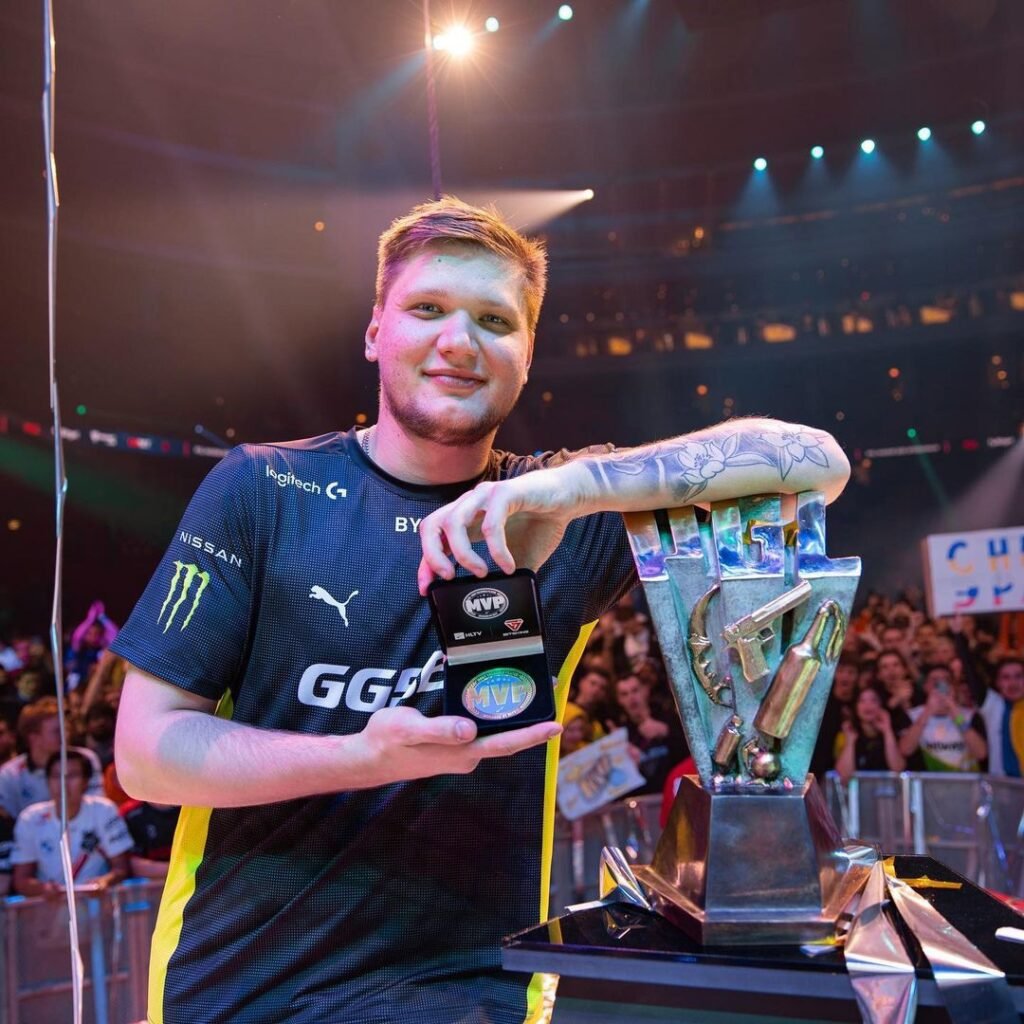
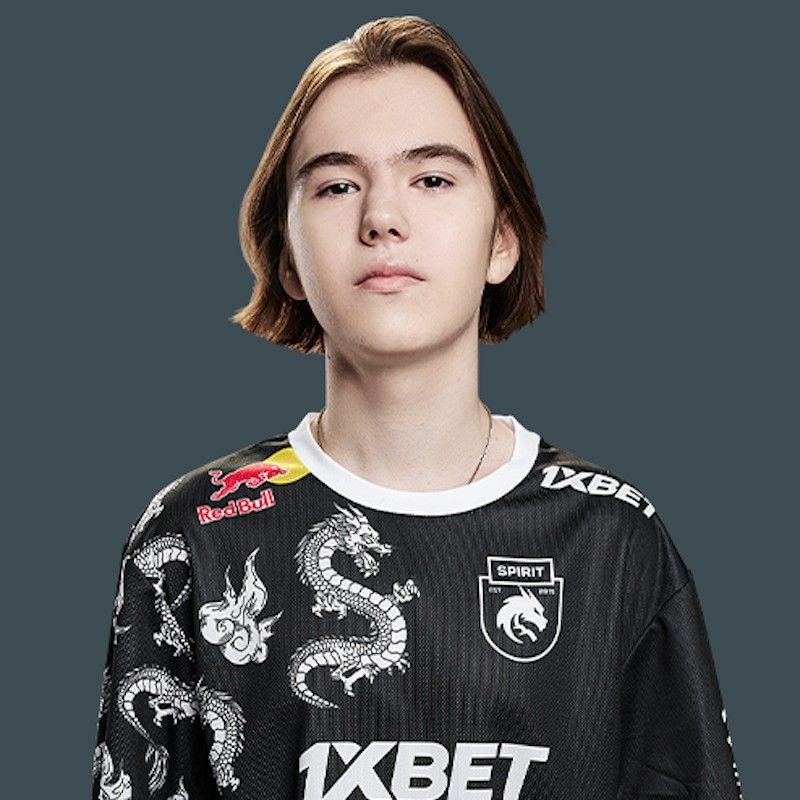
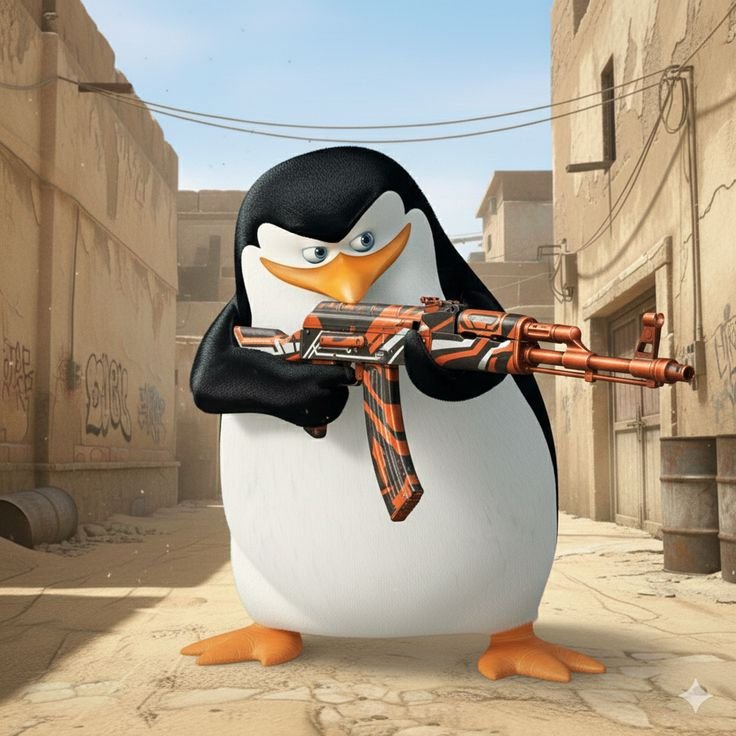
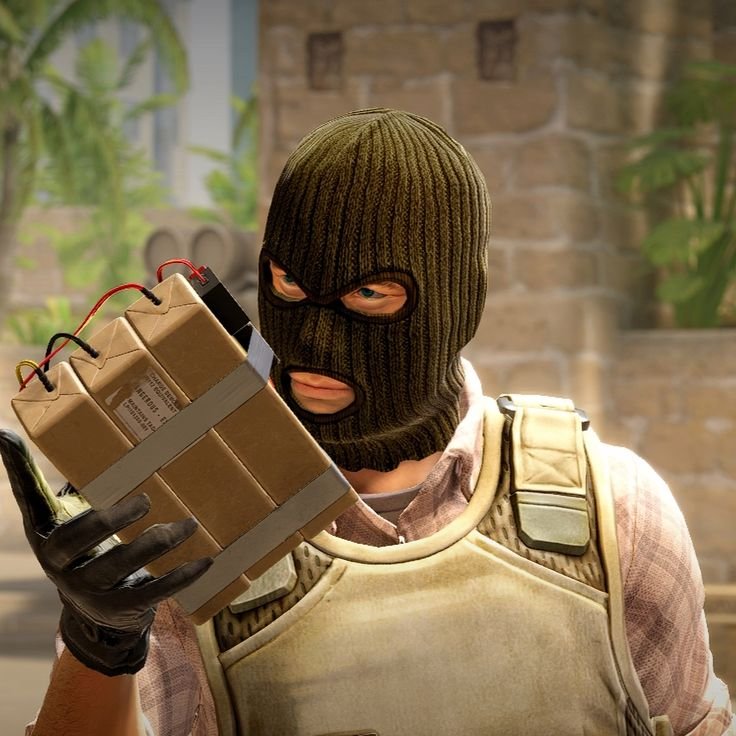
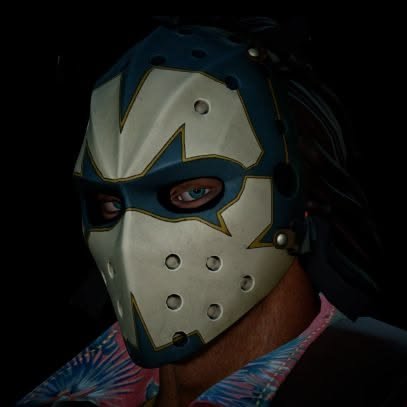
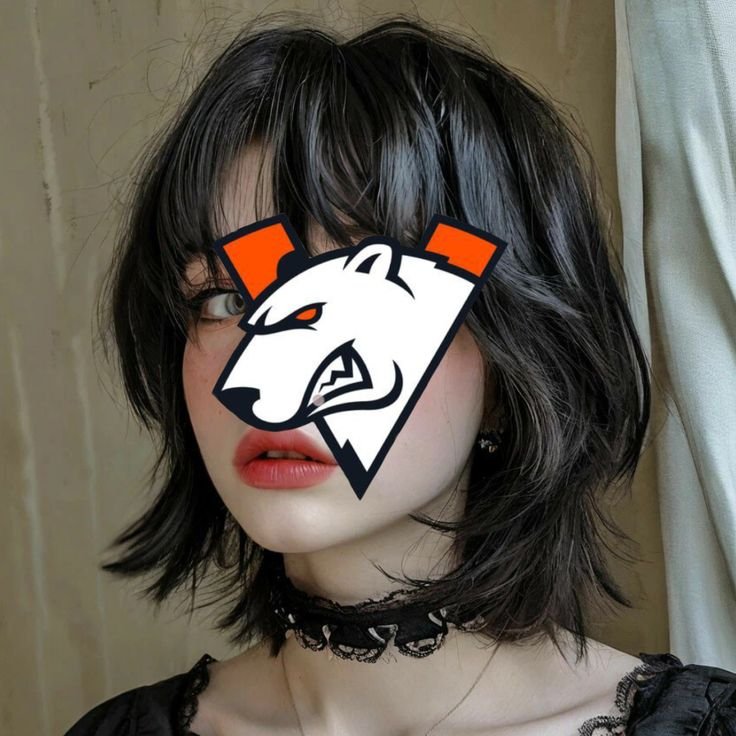
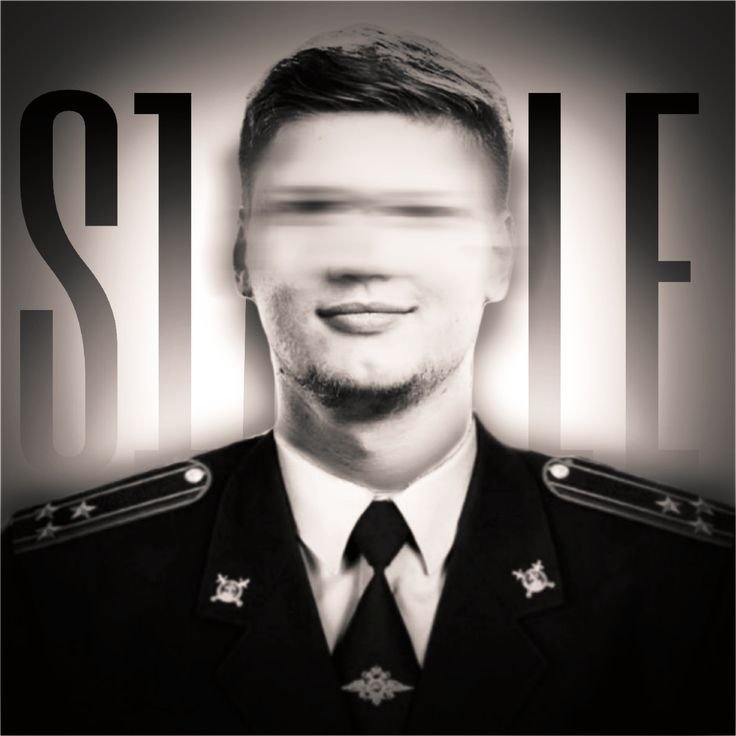
Competitive shooter culture has its own distinct Steam PFP tradition built around professional players and team branding pro player tags like s1mple show up as their own searched avatar category, reflecting how deeply Counter-Strike’s competitive scene is tied to Steam specifically, since CS2 match history, inventory, and community hubs all live on the platform. This is a narrower, more community-specific variant than general gaming art, built around signaling competitive fandom rather than just game ownership.
These avatars typically use tight headshot crops of a player or team logo against a solid or lightly textured background, favoring team colors and jersey branding over the busier compositions common in anime or fantasy-style picks. That restraint matters here more than in most categories, since esports branding is often built to be instantly recognizable at a glance rather than admired up close.
Because competitive gaming profiles tend to prioritize function stats, match history, inventory value — over decorative flourish, an esports-branded avatar reads as consistent with that whole profile’s purpose in a way a softer aesthetic pick wouldn’t.
“If you’re into GTA culture, our GTA VI PFP picks are also worth checking out.”
Cyberpunk Steam PFP

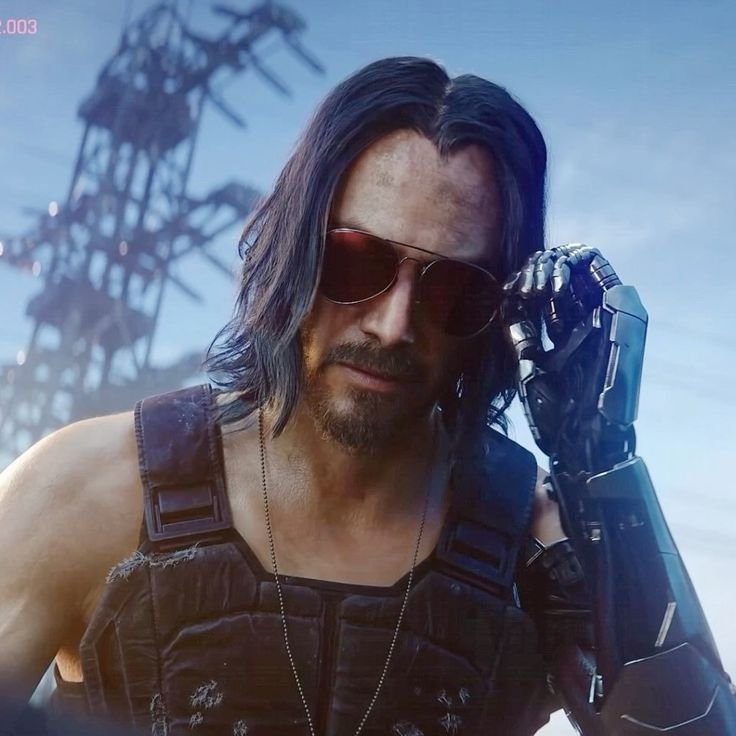

Cyberpunk is one of the named style categories Steam profile curators actually sort by, alongside space, horror, and fantasy themes, according to community sites that rank and showcase top-tier custom Steam profiles — meaning this isn’t a loose aesthetic label but a recognized, competed-over category within Steam’s own customization culture. That gives it a level of community structure that a generic “cyberpunk PFP” search on other platforms doesn’t really have.
The look leans on neon color accents — typically pink, cyan, or purple — against dark, high-contrast backgrounds, often incorporating glitch effects or grid-line patterning that nods to the genre’s visual shorthand. Because Steam avatars display with zero transparency support, any glow or neon-edge effect needs to be baked directly into the flattened image rather than relying on layered transparency, or it’ll render as solid black or white once uploaded.
This style pairs especially well with a matching cyberpunk profile background and badge showcase, which is exactly the kind of full-profile theming the dedicated Steam profile design community builds toward rather than treating the avatar as an isolated piece.
Minimalist Steam PFP
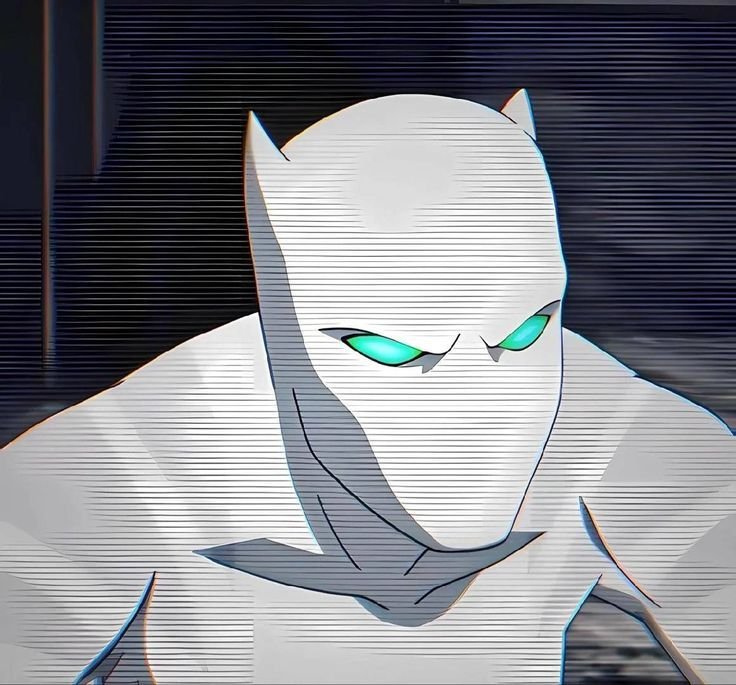
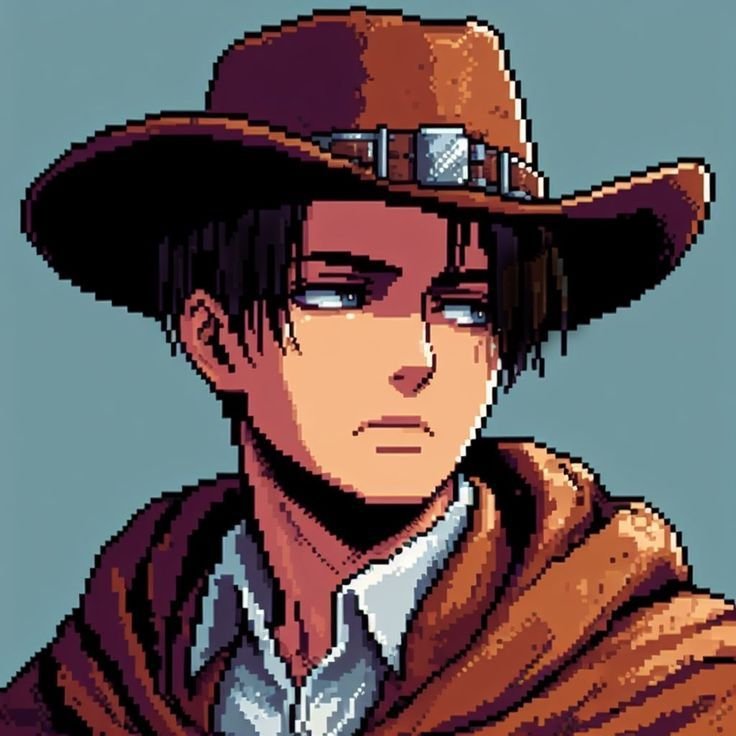
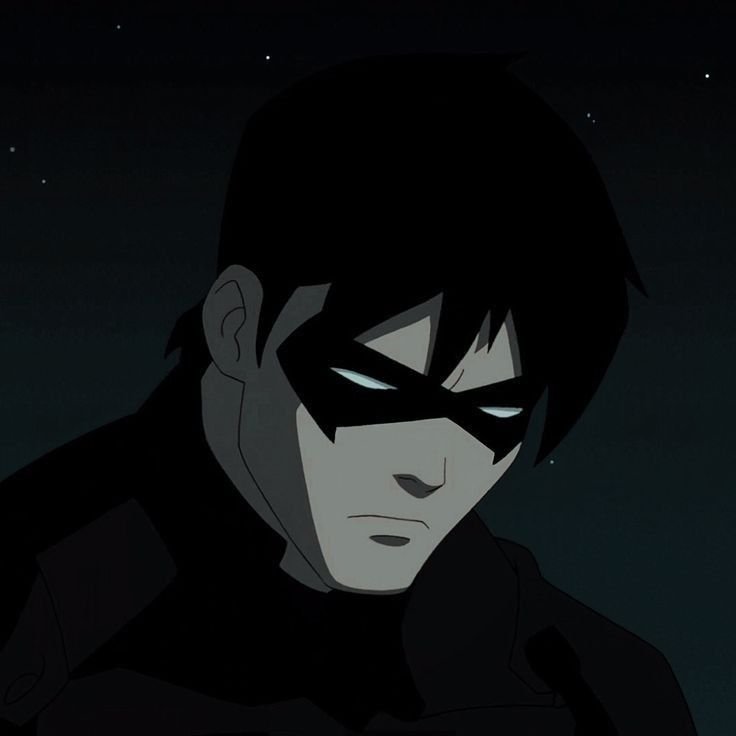
Minimalist and abstract avatars are the most underrated pick in this entire list, and it’s worth explaining exactly why: Steam shrinks every avatar down to 64 pixels in friends lists and 32 pixels in some in-game overlays, and detailed anime art or busy splash-art crops genuinely degrade at that size in a way clean, high-contrast abstract designs simply don’t. A single bold shape or a logo-style mark holds up at 32 pixels when a finely shaded character illustration turns into a blurry smear.
Visually, this category favors flat color fields, simple geometric shapes, or a single strong silhouette rather than any detailed scene — closer to a logo than an illustration. Community-run Steam profile showcases specifically list “abstract/minimalistic” as its own recognized top-profile category, distinct from busier styles like fantasy or military, which confirms this isn’t just a stylistic fallback but a genuinely popular choice on its own.
Because minimalist avatars rely on shape and contrast rather than fine detail to read clearly, they’re also the style most forgiving of Steam’s lack of transparency support — a solid-color background integrates cleanly into the square frame instead of fighting against it the way a poorly flattened transparent image would.
Animated Steam PFP
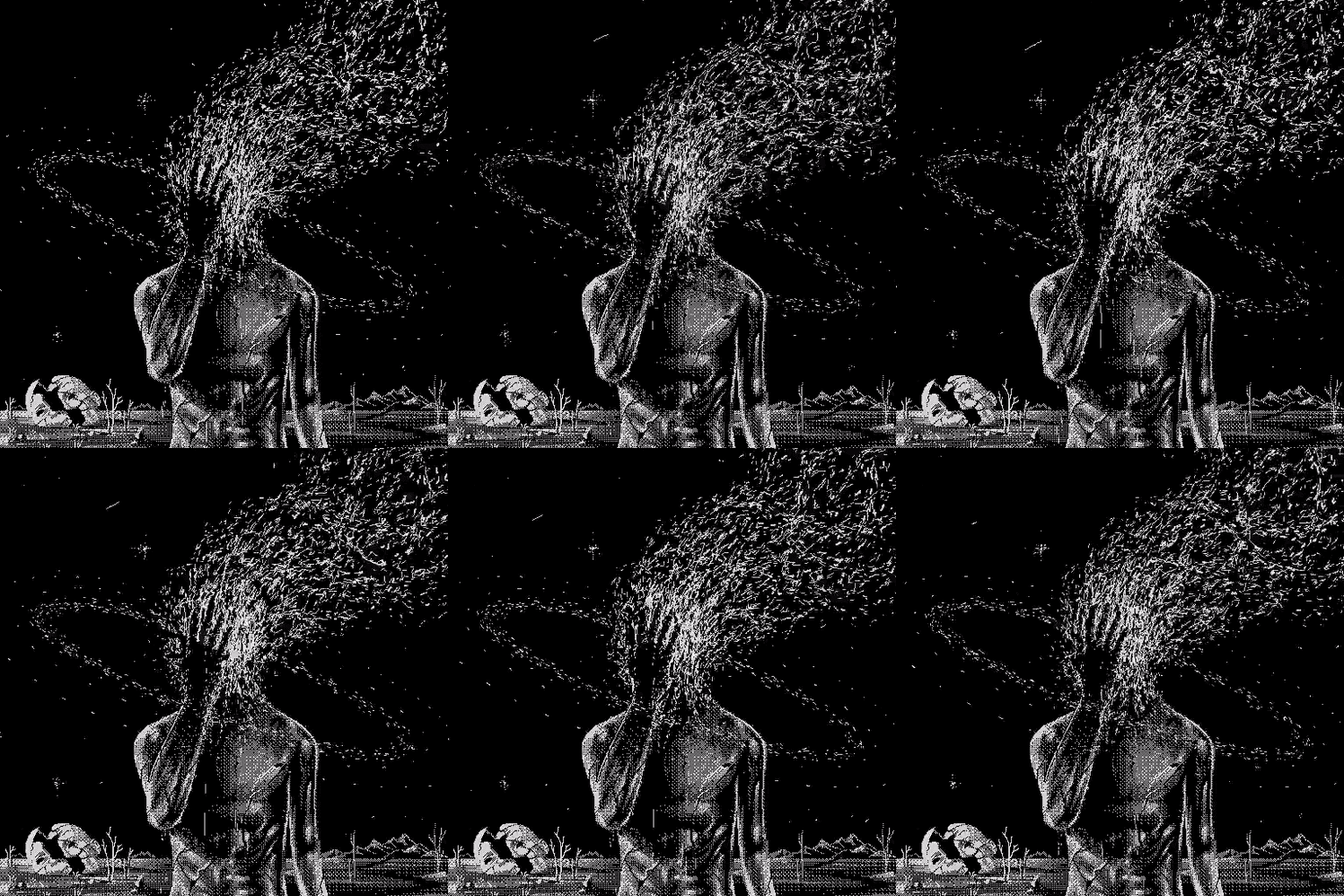
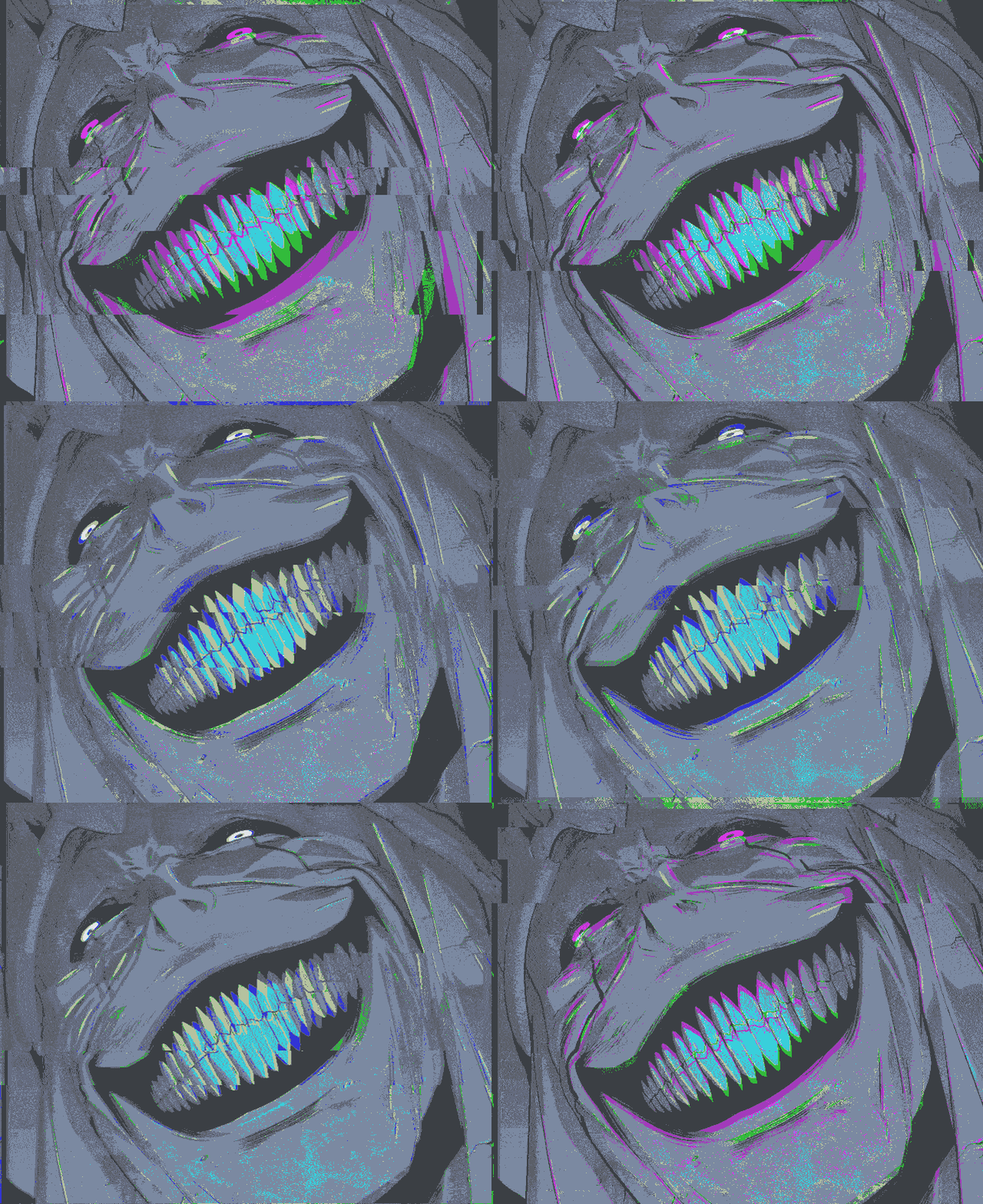
Animated Steam avatars work completely differently from animated PFPs anywhere else online, and understanding that mechanic is the single biggest gap in most existing Steam PFP content: Steam does not support uploading your own animated GIF as a custom avatar. Instead, animation comes exclusively through avatar frames and animated avatars obtained via the Steam Points Shop — either purchased directly, crafted from trading cards and badges, or earned through seasonal events.
This makes the category fundamentally about unlocking Valve-made cosmetics rather than uploading your own art, which is a meaningfully different process than every other platform covered in this guide. The animated effects themselves range from subtle particle drift around the avatar’s border to fully animated character loops tied to specific games or franchises Valve has partnered with over the years.
Because these are official Valve assets rather than fan-made uploads, they’re also the one category guaranteed to render exactly as intended — no compression artifacts, no transparency issues, no risk of a static image looking flat next to an animated one. For anyone who’s spent hours hunting for the “perfect” static image, an earned or crafted animated avatar is often the higher-impact upgrade that gets overlooked entirely.
Aesthetic Steam PFP
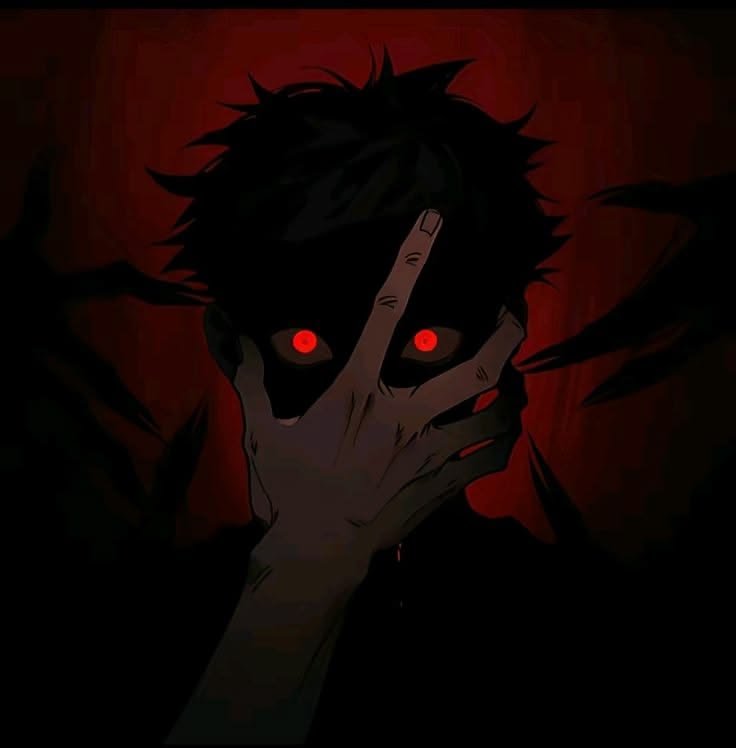
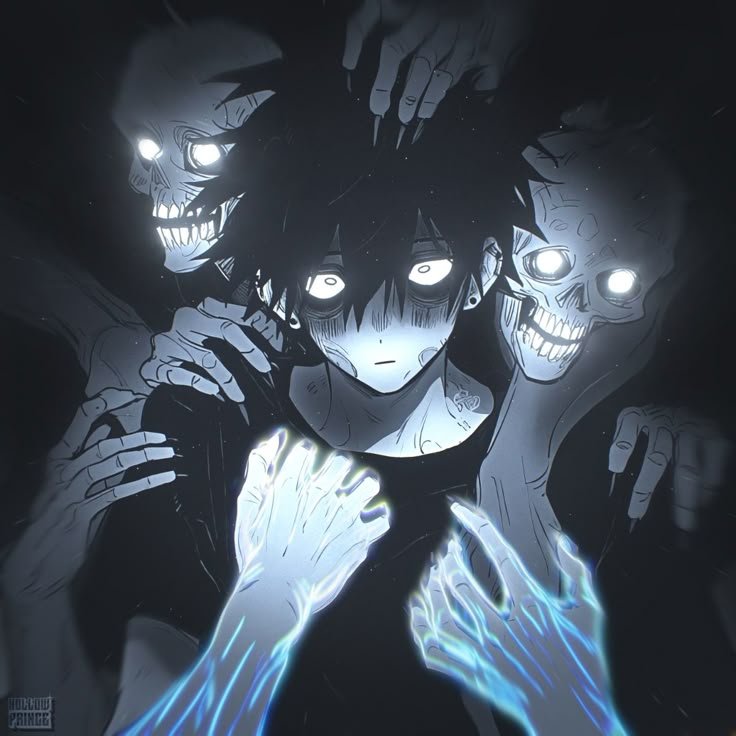
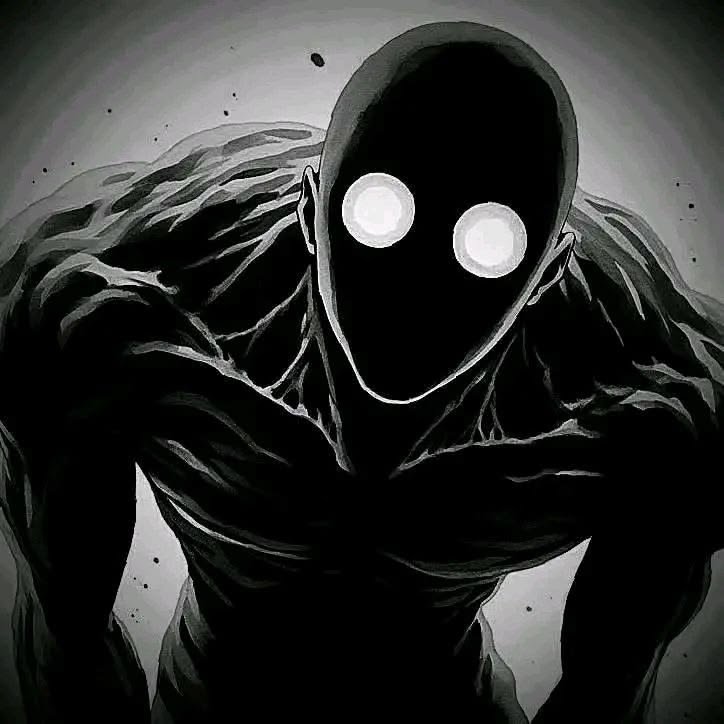
Aesthetic Steam PFPs draw from a distinctly different visual pool than the gaming-specific categories above — moodboard-style imagery built around color palette and vibe rather than any game or franchise connection. Search interest here clusters around specific micro-aesthetics like Y2K, goth, and techno-inspired looks, often paired with matching Spotify cover art or Discord banners as part of a coordinated cross-platform identity rather than a Steam-only choice.
The visual formula tends toward desaturated or single-tone color grading, grainy texture, and off-center or partially obscured subjects rather than the clean, centered compositions that work best for character-focused categories. That looser composition works fine here specifically because aesthetic PFPs prioritize mood over instant recognizability, unlike an esports or gaming-character avatar that needs to read clearly at a glance.
Because this category leans so heavily on subtle color grading, it’s more vulnerable than most to Steam’s automatic downscaling — a moody, low-contrast image that looks great at full 184-pixel size can lose its entire visual identity once shrunk to 32 pixels, so testing at the smaller size before committing matters more here than almost anywhere else on this list.
Cool Steam PFP
Cool Steam PFPs center on power and spectacle dynamic action poses, weapon reveals, or dramatic lighting pulled from key art and splash pages rather than the quieter, mood-driven compositions common in the aesthetic category. The goal here is immediate visual impact rather than subtlety, which changes the entire approach to color and composition.
Palettes for this category skew toward high-contrast combinations — bright accent colors against near-black backgrounds are especially common, since that contrast is what keeps the image from collapsing into a muddy blur once Steam compresses it down for friends-list display. Static, calm portraits rarely qualify here; the category is built around motion and intensity captured mid-action.
Where minimalist avatars earn their place through restraint, cool avatars earn theirs through the opposite — maximum visual drama condensed into a tiny square, which is exactly the kind of image that benefits most from Steam’s flat, non-transparent display format rather than being hurt by it.
Cute Steam PFP

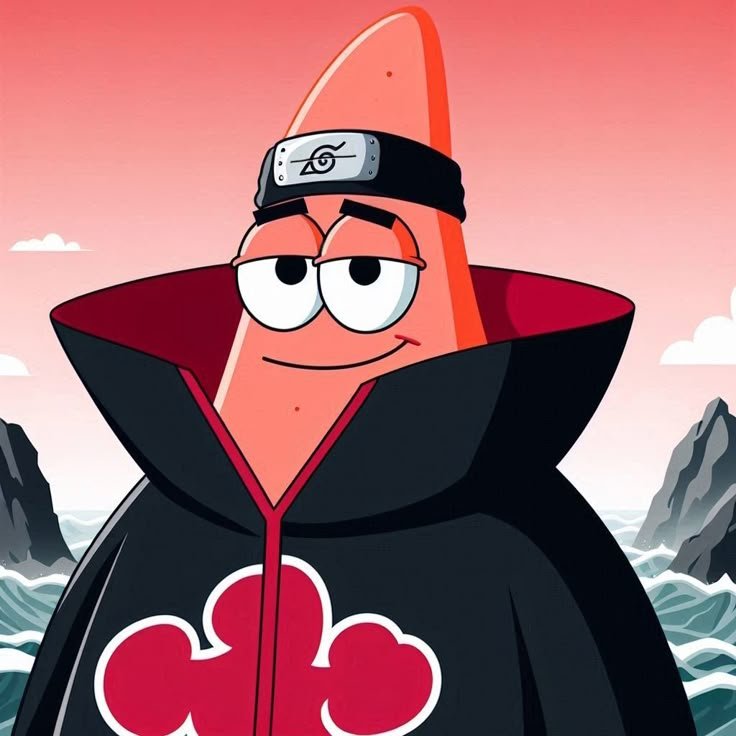
Cute Steam avatars pull from chibi-style art, mascot-style game characters, and softened fan reinterpretations rather than the intense or dramatic imagery common elsewhere in gaming culture — a genuine counter-trend to the esports and action-splash categories that otherwise dominate Steam-specific PFP searches. This category exists because plenty of Steam users want an avatar that signals approachability rather than competitive intensity.
Visually, these avatars favor rounded shapes, pastel or soft color palettes, and simplified linework over the sharp contrast that dominates cool or cyberpunk picks. Because Steam’s square crop doesn’t flatter every composition equally, centered, symmetrical character faces tend to hold up better here than off-center or partial-body cute art, which can look awkwardly cropped once forced into a perfect square.
This style works particularly well for community-focused or cooperative-game profiles, where the tone being signaled is “friendly and easy to play with” rather than the competitive edge an esports-branded avatar communicates instead.
Steam PFP Sizing and Avatar Frames
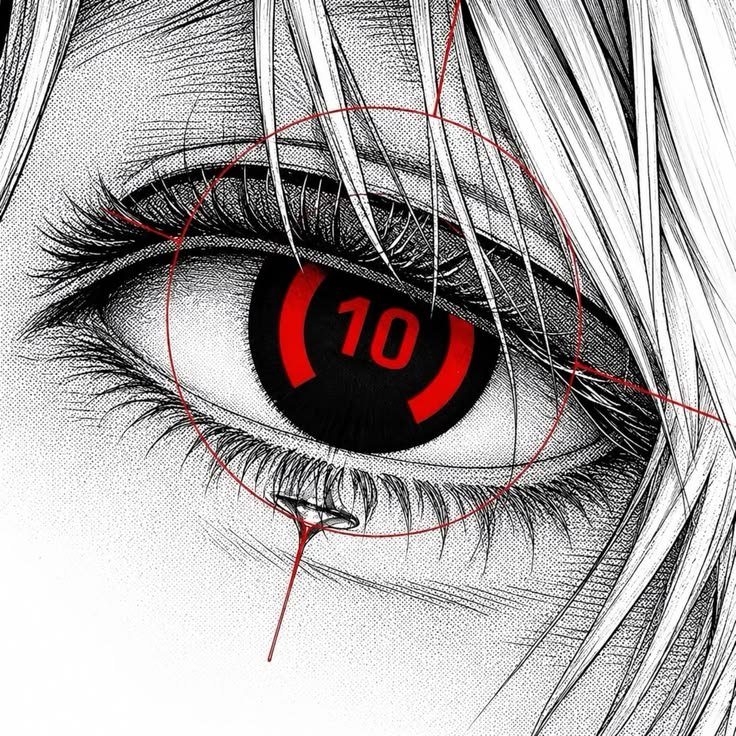
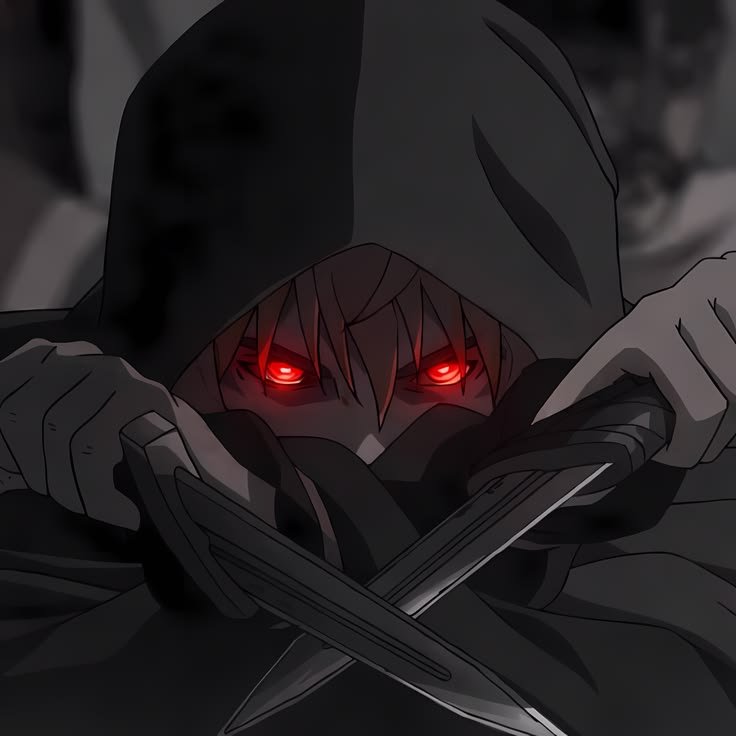
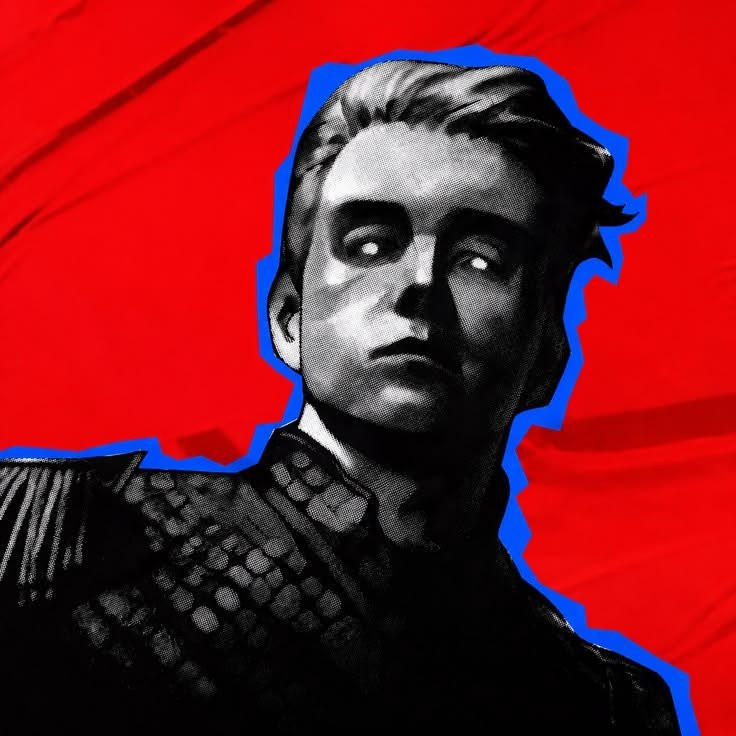
This is the part almost every other Steam PFP article skips, and it’s the difference between an avatar that looks sharp and one that looks blurry or clipped wrong: Steam displays profile pictures at a maximum of 184×184 pixels, then automatically generates smaller 64-pixel and 32-pixel versions for friends lists, game lobbies, and chat windows. Uploading anything below 184×184 risks visible blur once Steam scales it up, while oversized images get compressed down automatically, sometimes softening fine detail in the process.
Unlike Discord, Instagram, or TikTok, Steam does not crop your avatar into a circle anywhere in its interface — it stays a full square everywhere it appears, and it also doesn’t support transparency, so any transparent area in an uploaded PNG renders as solid black or white rather than see-through. That makes pre-flattening any transparent artwork against a solid background essential before upload, something a lot of imported fan art skips and then looks wrong once it’s live.
Avatar frames — cosmetic borders available through the Steam Points Shop — sit directly around this square image and can visually clash with certain compositions, particularly busy or edge-to-edge artwork that leaves no breathing room. Leaving a small visual margin near the edges of your uploaded image gives a frame room to sit cleanly around it instead of overlapping the art itself.
Steam Discord PFP
Since most Steam users also run a Discord account for the same games, matching or coordinating an avatar across both platforms is common — but the two platforms crop completely differently, which is the real mechanic worth understanding here. Discord compresses avatars into a small circle sitting beside a colored status dot, while Steam keeps the same image as a full square, which means a composition centered and cropped for one can end up looking off-balance on the other if you’re not deliberately accounting for both shapes.
The safest approach for anyone running the same image across both platforms is to keep the subject centered with generous margin on all sides — that composition survives both Discord’s circular crop and Steam’s square frame without losing anything important near the edges, unlike an off-center or edge-bleeding image that only works for one shape.
Server banner and role-color pairing matters on the Discord side specifically, since Discord surfaces your avatar next to that color scheme constantly — something Steam has no real equivalent for, since Steam’s surrounding UI stays a fixed, unthemed layout regardless of your profile’s color choices.
Steam Pinterest PFP


Pinterest functions purely as a discovery layer for Steam avatars rather than a source of platform-ready images — boards built around “Steam Pfp,” “Steam Pfp Aesthetic,” and “Steam Avatar” pull together thousands of pins spanning every style covered in this guide, from anime commissions to minimalist logos, in one browsable space rather than a curated shortlist.
Because Pinterest doesn’t crop pins into any fixed shape, full uncropped artwork and even wide wallpaper-style images perform well there even though they’d need real cropping work before functioning as an actual 184×184 Steam upload — a pin that looks great as inspiration isn’t automatically ready to use as-is.
This makes Pinterest most valuable as a place to find the base art worth adapting yourself afterward — cropping to a perfect square, checking how it holds up at 64 pixels, and flattening any transparency — rather than expecting a finished, Steam-ready avatar straight off a board.
HD/4K Steam PFP
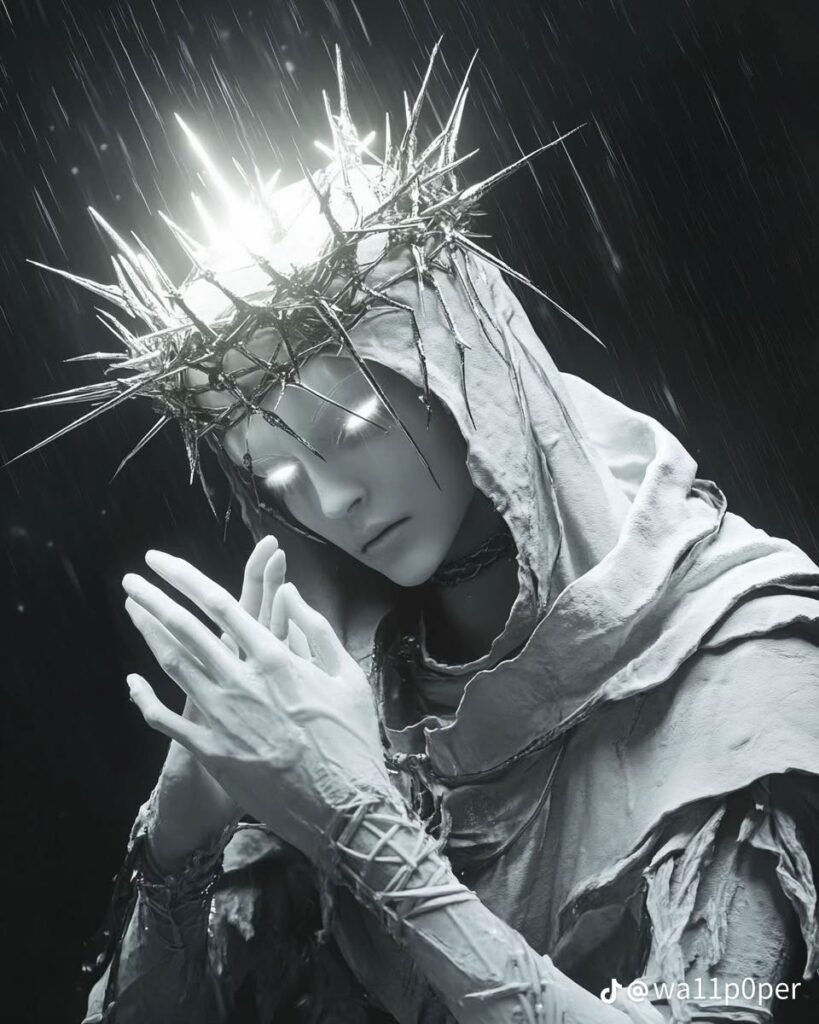

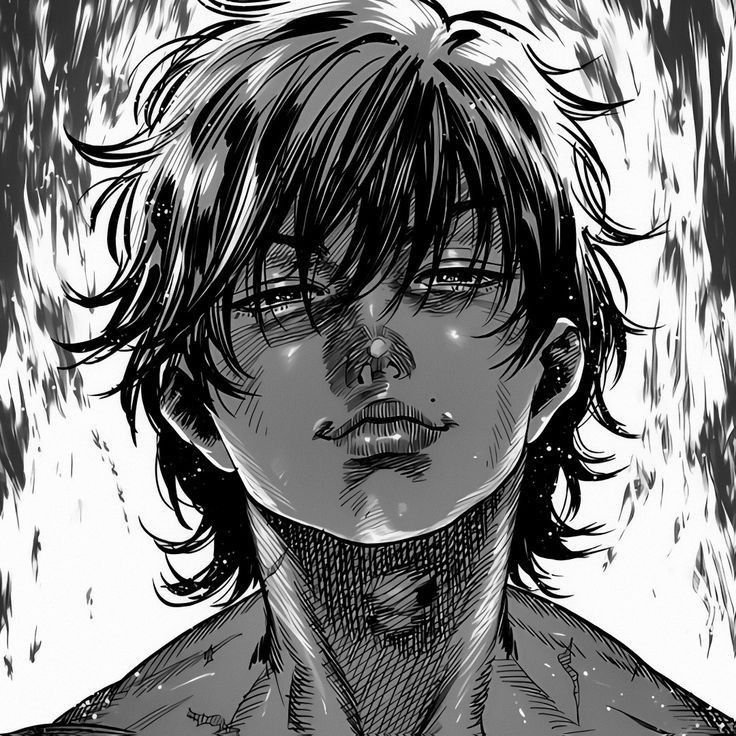
Higher-resolution source art matters even though Steam’s own maximum display size is a modest 184×184 pixels, because starting from a much larger image gives far more room to crop and reframe before downscaling than working from an image that’s already close to the final size. A 4K screenshot or piece of key art lets you crop tightly around a face or focal point without losing sharpness, something a smaller source image can’t offer.
This matters most for the categories built around fine detail anime commissions and cyberpunk-style neon work both lose noticeably more quality when downscaled from a small source than when downscaled from a genuinely high-resolution one, since Steam’s compression is more forgiving of images that start sharp than ones that start already slightly soft.
Editing technique here means cropping to a perfect square before resizing down to 184×184, rather than letting Steam’s automatic square-crop handle an unprepared rectangular image — Steam’s own auto-crop doesn’t always center on the subject the way a manually planned crop would.
“For a darker, more intense gaming aesthetic, see our Kratos PFP picks.”
Steam Wallpaper PFP

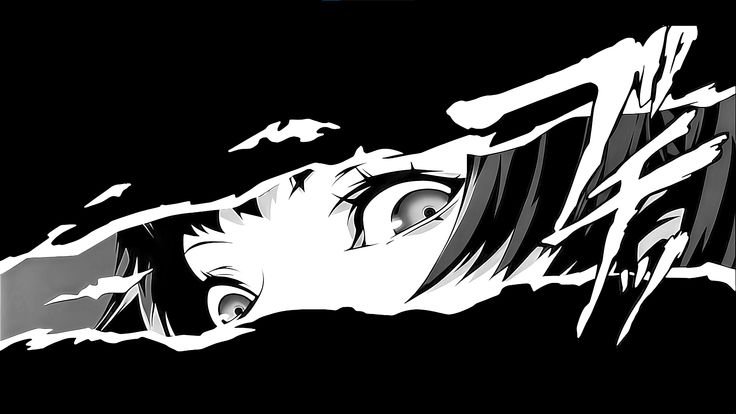
Wallpaper-format art serves an entirely different purpose than a Steam avatar full desktop or lock-screen display rather than a small square profile image but it’s also one of the most common source materials people crop avatars down from, since wallpaper archives host far more high-resolution art per game or franchise than any dedicated PFP collection does.
The gap between the two formats is bigger for Steam specifically than for most platforms, because a wide 16:9 wallpaper composition rarely has a single strong focal point that survives being force-cropped into Steam’s perfect square most wallpapers spread visual interest across the whole frame, which works against Steam’s format rather than for it.
Treating wallpaper and avatar as genuinely separate assets, rather than one lazy crop of the other, tends to produce a better result for both pick a wallpaper for its full-scene composition, and crop a completely different tight shot from the same source art for the actual Steam avatar.
How to Choose the Right Steam PFP
- Test any candidate image at 64 and 32 pixels before committing, since that’s how it’ll actually appear in friends lists and lobbies most of the time.
- Flatten any transparent background to a solid color first Steam renders transparency as plain black or white.
- Crop to a perfect square yourself rather than relying on Steam’s automatic crop, especially for off-center source art.
- Leave a small margin near the edges if you plan to equip an avatar frame from the Points Shop.
- Match your avatar’s theme to your profile’s showcases and background for a cohesive look, since Steam displays all of these together on one page.
- Consider an animated Points Shop avatar if you want motion custom animated uploads aren’t supported at all.
- Start from the highest-resolution source you can find, even though the final upload size is modest, since it gives more room to crop cleanly.
Read: Kratos vs Spawn
Read: Power Ranger PFP
Read: Kamen Rider PFP
Read: Spider Man PFP
Read: Sonic PFP
Frequently Asked Questions
Conclusion
Steam’s PFP culture is shaped by constraints most other platforms simply don’t have a fixed square crop, zero transparency support, and animation locked behind Valve’s own Points Shop system rather than open to custom uploads. Understanding those mechanics changes which styles actually translate well, from anime commissions built specifically for the format to minimalist designs that survive Steam’s aggressive downscaling far better than detailed art ever will.
That technical layer is exactly what separates a Steam profile that looks intentional from one that just has a decent picture attached the best choice depends on whether someone wants to signal a specific game, a competitive scene, a broader aesthetic, or just an image that stays sharp all the way down to 32 pixels. Given how central Steam is to PC gaming identity, getting that square image right is a small detail with an outsized effect on how a whole profile reads.

5 Comments